Cash Counter with POS Table Price in Bangladesh
Brand:
Dream Supershop SolutionsCategory:
Super Shop Equipment , Display Rack , Trolley & Shopping Baskets , Cash Counter
Total Price : BDT31,000.00
Cash Counter with POS Table Price in Bangladesh depends on counter dimensions, material thickness, POS layout, storage features, finishing, accessories, and customization. The Cash Counter with POS Table from Dream Super Shop Solutions is practical supershop equipment for supermarkets, grocery stores, pharmacies, mini marts, department stores, and other retailers. Its ergonomic cashier workspace, dedicated equipment area, customer bagging section, and cable-management access help create a faster and more organized checkout process. Contact Dream Super Shop Solutions for available designs, customized dimensions, installation support, and project-specific pricing.
Product Specification of Cash Counter with POS Table.
Checkout Counter Table: 1 pcs
Height: 37” Inches
Length: 54” Inches
Depth: 26” inches
Pos System Table: 1 pcs
Height: 31” Inches
Length: 20” Inches
Depth: 20” inches
Sheet profile: Mild, Tempered Metal Sheet CR Black (Nippon Steel Corporation, Tokyo, Japan)
Color : As Require
Counter Table Body Metal Plate & Top Hairline SS Sheet
Description
🛒 Cash Counter with POS Table Price in Bangladesh
A Cash Counter with POS Table provides retailers with an organised checkout workstation for efficient billing, POS equipment placement, payment processing, and customer service. The Cash Counter with POS Table from Dream Supershop Solutions is designed for supermarkets, grocery stores, mini marts, pharmacies, department stores, and other retail businesses that require a practical and space-efficient checkout area.
📌 Cash Counter with POS Table: Product Overview
A Cash Counter with POS Table is a customer-facing retail workstation designed to support product scanning, billing, payment collection, receipt printing, cash handling, and checkout organisation. It combines a supermarket checkout counter with a dedicated work area for point-of-sale equipment and cashier accessories.
The Cash Counter with POS Table Price in Bangladesh varies according to several factors, including overall length, width, height, steel thickness, worktop material, POS platform design, storage arrangement, finishing, accessories, equipment openings, branding requirements, delivery location, and customisation requirements.
A Retail Billing Desk helps the cashier keep essential checkout equipment and supplies in organised positions. Depending on the approved configuration, the workstation may accommodate a POS monitor, barcode scanner, receipt printer, cash drawer, keyboard, payment terminal, shopping bags, stationery, and other checkout equipment.
The POS Cashier Workstation should be planned according to the cashier's working posture, store layout, equipment dimensions, customer movement, and intended checkout process. A suitable arrangement can minimise unnecessary reaching and support a more organised cashier workflow.
A Grocery Payment Counter creates a defined area where customers can place products, complete payments, receive receipts, and collect packed merchandise. It can also help retailers organise customer queues and distinguish the payment zone from other shopping areas.
A Commercial Checkout Table may include a product-placement area, POS table, cashier workspace, customer bagging section, under-counter storage, cable-management openings, and optional display or promotional panels. The final configuration depends on the approved technical design.
Businesses searching for a Cash Counter with POS Table for supershop use should consider store size, average basket volume, checkout traffic, POS equipment, cashier position, customer approach direction, bagging process, aisle width, and available floor space before selecting a counter.
A Supermarket Checkout Counter in Bangladesh can be customised for left-hand or right-hand cashier operation, depending on the selected layout and production feasibility. The required orientation should be confirmed before fabrication.
A Customised POS Billing Counter for retail stores may include dedicated positions for a barcode scanner, receipt printer, cash drawer, payment terminal, POS monitor, and cable access. The dimensions of the intended POS equipment should be confirmed before production to ensure suitable integration.
A Grocery Cash Desk with Cashier Workstation should provide practical access to commonly used equipment and supplies while considering operator clearance, working posture, customer movement, and the overall checkout sequence.
A Durable Checkout Table for commercial shops should use suitable materials and structural components for the intended retail environment. However, product durability depends on the approved construction, material selection, installation quality, proper use, and routine maintenance.
A Modern POS Counter for supermarket billing can contribute to a professional-looking checkout zone while providing dedicated space for POS equipment, cashier activities, payment processing, and customer interaction.
A Space-Saving Cash Counter for mini marts can provide essential checkout functions within a compact footprint. Even with a smaller design, adequate operator clearance, customer access, equipment space, and suitable working dimensions should be considered during planning.
Dream Supershop Solutions can develop a Custom Cash Counter Configuration according to store measurements, POS hardware, checkout workflow, counter orientation, storage requirements, preferred materials and finishing, branding needs, and project budget. The final configuration is subject to the approved design and technical feasibility.
🧾 What Is a Cash Counter with POS Table?
A Cash Counter with POS Table is a specialised retail fixture that combines a customer checkout area with a dedicated workspace for POS equipment and cashier activities. It is designed to provide an organised area for product scanning, billing, payment processing, receipt printing, cash handling, and customer packing.
🔧 Typical Features and Components
Depending on the approved configuration, a Cash Counter with POS Table may include:
-
Customer product-placement surface
-
POS monitor platform
-
Barcode scanner area
-
Receipt printer space
-
Cash drawer placement
-
Payment terminal position
-
Cashier workstation
-
Customer bagging area
-
Under-counter storage
-
Cable-management access
-
Metal counter frame
-
Protective worktop surface
-
Optional lockable compartment
-
Optional branding panel
-
Optional conveyor integration
-
Optional divider or front barrier
The final features, dimensions, materials, accessories, and equipment provisions depend on the approved product design and technical requirements.
💡 Why Is a Cash Counter with POS Table Useful?
A Cash Counter with POS Table brings POS equipment, cashier supplies, customer products, and payment activities together within an organised checkout workstation.
Without proper counter planning, cables may remain exposed, equipment may be positioned at unsuitable heights, and product movement through the checkout area may become less organised. A suitably planned counter can help create a structured transaction sequence:
Product Placement → Scanning → Billing → Payment → Receipt Issuance → Packing → Customer Collection
The layout should also consider operator clearance, customer movement, POS equipment dimensions, bagging space, and the available floor area.
🛒 Who Should Buy a Cash Counter with POS Table?
A Cash Counter with POS Table can be suitable for a wide range of retail businesses, including:
-
Supermarkets
-
Supershops
-
Grocery stores
-
Mini marts
-
Convenience stores
-
Pharmacies
-
Department stores
-
Cosmetics shops
-
Fashion retailers
-
Electronics stores
-
Hardware shops
-
Bookstores
-
Stationery shops
-
Gift shops
-
Pet stores
-
Lifestyle retailers
-
New retail projects
The appropriate counter configuration should be selected according to the business type, available space, checkout requirements, POS equipment, and expected customer flow.
🏪 Main Applications of a Cash Counter with POS Table
A Cash Counter with POS Table can support various checkout and customer-service activities, including:
-
Barcode scanning
-
POS billing
-
Cash collection
-
Card payments
-
Mobile financial payments
-
Receipt printing
-
Cash-drawer operation
-
Product placement
-
Shopping-bag organisation
-
Customer packing
-
Queue processing
-
Cashier-supply storage
-
Equipment cable routing
-
Promotional branding
-
Checkout-zone organisation
The actual applications depend on the selected counter configuration and the equipment installed at the checkout station.
✅ Main Advantages
The principal advantages of a Cash Counter with POS Table may include:
Organised POS Equipment Placement
Dedicated areas can help keep the POS monitor, scanner, printer, cash drawer, and payment terminal arranged according to the intended checkout workflow.
Efficient Cashier Workflow
A planned workstation can place frequently used equipment and supplies within practical reach, supporting an organised billing process.
Professional Checkout Presentation
A purpose-built checkout counter can provide a structured and professional appearance for the billing and customer-service area.
Structured Cable Management
Dedicated cable-access openings can help route POS and electrical cables more neatly, subject to the approved design.
Customer Bagging Space
A designated bagging area can provide customers with a practical space for collecting and organising purchased products after payment.
Configurable Storage
Under-counter storage, drawers, cabinets, or other compartments can be incorporated according to the required design and available space.
Checkout Queue Support
A clearly defined checkout workstation can help establish a structured payment area and coordinate with the surrounding customer pathways.
Customised Dimensions
Counter length, width, height, POS platform, cashier orientation, storage, and other features can be customised according to project requirements and technical feasibility.
Integration with Supershop Layouts
The checkout counter can be planned alongside gondola racks, wall shelving, vegetable racks, shopping trolleys, hand baskets, display units, queue areas, and customer pathways to support a coordinated retail layout.
Dream Supershop Solutions can develop a suitable Cash Counter with POS Table configuration based on store dimensions, POS equipment, checkout workflow, functional requirements, preferred finishing, and the approved project design.
⭐ Why Choose Dream Supershop Solutions?
🌍 International Standard Manufacturing
Dream Supershop Solutions focuses on developing professional retail equipment with attention to practical functionality, dimensional consistency, structural stability, finishing quality, customer convenience, and commercial presentation.
Each Cash Counter with POS Table can be planned according to the available floor space, checkout process, POS equipment, operator requirements, customer traffic, and approved project specifications.
🇯🇵 Japanese Tempered Steel Sheet Technology
Dream Supershop Solutions promotes Japanese tempered steel sheet technology within its metal rack and retail equipment manufacturing approach.
For a checkout counter, this technology may relate to selected steel frames, panels, cabinets, or supporting components, depending on the approved design. The exact steel grade, thickness, fabrication method, and material application should be confirmed in the approved product specification.
🛠️ Customised Retail Rack Solutions
Dream Supershop Solutions provides customised retail rack and fixture solutions in addition to checkout counters.
Customisation may cover:
-
Counter length
-
Counter width
-
Worktop height
-
Cashier orientation
-
POS platform dimensions
-
Barcode scanner position
-
Receipt printer shelf
-
Cash-drawer space
-
Customer bagging section
-
Storage compartments
-
Lockable cabinet
-
Cable-access openings
-
Front-panel design
-
Colour and finishing
-
Store branding
The final configuration is subject to technical feasibility and the approved design.
👨🔧 Experienced Engineering Support
Checkout counters need to coordinate with customer queues, gondola aisles, entrance routes, exit paths, cashier movement, POS equipment, and electrical connections.
Technical support can help businesses assess counter dimensions, orientation, operator clearance, equipment placement, and customer movement to develop a configuration suitable for the available retail space.
🏪 Complete Super Shop Setup Support
Dream Supershop Solutions can support complete supermarket and retail setup projects by coordinating checkout counters with other retail fixtures and equipment.
The counter can be planned alongside:
-
Gondola racks
-
Wall shelving
-
Vegetable racks
-
Shopping trolleys
-
Hand baskets
-
Display units
-
Customer service desks
-
Storage shelving
-
Queue barriers
-
Signage
-
Electrical equipment areas
-
Customer pathways
This coordinated approach can help create a more organised and functional retail environment.
🇧🇩 Nationwide Project Support
Retail fixtures can be supplied for projects in different locations across Bangladesh, subject to delivery and installation arrangements.
Customers should provide the project address, required counter quantity, store measurements, site access conditions, installation requirements, and target completion schedule. These details can help the team assess project requirements and plan the proposed supply and installation process.
💰 Practical Pricing with Quality-Focused Manufacturing
Dream Supershop Solutions aims to provide practical commercial pricing while maintaining attention to manufacturing consistency, material selection, construction, and finishing quality.
The final Cash Counter with POS Table Price in Bangladesh depends on several factors, including:
-
Counter dimensions
-
Steel thickness and material selection
-
Worktop material
-
POS equipment provisions
-
Storage sections
-
Accessories
-
Branding requirements
-
Colour and finishing
-
Delivery location
-
Installation requirements
Customers can request a customised quotation based on their store layout, functional requirements, required specifications, and approved product configuration.
✨ Key Features of Cash Counter with POS Table
1. 🖥️ Integrated POS Equipment Area
A dedicated POS platform can provide organised space for the monitor, keyboard, barcode scanner, payment terminal, and other approved billing equipment. The platform dimensions should be selected according to the actual equipment specifications.
2. 👨💼 Ergonomic Cashier Workspace
The cashier area can be planned to minimise unnecessary reaching and support a practical working posture during regular checkout activities. Final ergonomics depend on counter dimensions, equipment placement, and individual operator requirements.
3. 🔩 Durable Metal Counter Frame
A properly fabricated metal structure can provide support for the worktop, panels, POS equipment, and storage sections within the approved design and intended operating conditions.
4. 🔎 Barcode Scanner Platform
A dedicated scanner area can help keep the barcode scanner stable, accessible, and positioned appropriately for the intended product-scanning workflow.
5. 🧾 Receipt Printer Space
The counter may include a dedicated surface, shelf, or compartment for a receipt printer, with suitable access for paper-roll replacement and routine operation.
6. 💵 Cash Drawer Placement
A suitable location can be provided for a cash drawer according to the dimensions, installation requirements, and operating method of the selected device.
7. 🛍️ Customer Bagging Area
A dedicated bagging section can provide space for organising purchased products after payment and help maintain separation between billing equipment and customer collection activities.
8. 🔌 Cable-Management Access
Cable openings, channels, or routing provisions may be incorporated for POS, printer, scanner, power, network, and payment-device cables, depending on the approved design.
9. 📦 Under-Counter Storage
Shelves, drawers, cabinets, or other compartments may provide storage for shopping bags, receipt paper, stationery, cleaning supplies, and other approved cashier materials.
10. 🔐 Optional Lockable Compartment
A lockable compartment may be incorporated for selected documents, supplies, or operational items. It should not be considered a certified safe unless it has been specifically designed, tested, and approved for that purpose.
11. 📐 Space-Efficient Counter Layout
Compact counter configurations can accommodate essential checkout functions within a smaller footprint, making them suitable for mini marts and retail stores with limited floor space, subject to adequate operator clearance and customer access.
12. ↔️ Custom Cashier Orientation
The cashier position and customer approach direction may be configured for left-hand or right-hand operation where technically feasible. The required orientation should be confirmed before fabrication.
13. 🎨 Powder-Coated Steel Structure
A suitable powder-coated finish can provide a professional appearance and help protect exposed metal components during normal indoor retail use. Coating performance depends on the selected coating system, surface preparation, environmental conditions, and maintenance.
14. 🏷️ Optional Branding Panel
The front panel may be customised with a store logo, promotional message, category name, colour scheme, or other approved visual branding elements.
15. ⚙️ Optional Conveyor Integration
A conveyor section may be incorporated into selected larger checkout configurations where suitable. Conveyor dimensions, motor, controls, safety features, load requirements, electrical connections, and integration details should be confirmed separately as part of the approved technical design.
🎯 Benefits of Cash Counter with POS Table
1. ⚡ Supports Efficient Checkout Operations
Organised equipment placement can help cashiers manage scanning, billing, payment collection, receipt printing, and transaction completion with fewer unnecessary movements.
2. 🏪 Creates a Professional Billing Zone
A coordinated Cash Counter with POS Table can give the checkout area a clean, organised, and professional commercial appearance.
3. 👥 Supports Smooth Customer Processing
A clearly planned product-placement, payment, and bagging sequence can help reduce confusion and support an organised checkout process during busy periods.
4. 🖥️ Organises POS Equipment
Dedicated areas can help keep monitors, printers, scanners, payment terminals, keyboards, and other POS equipment arranged according to the intended workflow.
5. 🔌 Supports Better Cable Management
Purpose-designed cable openings and access points can help reduce visible wire clutter around the POS and transaction area while keeping cables more organised.
6. 🚶 Helps Manage Customer Queues
A clearly defined checkout location can help retailers organise customer approach, waiting, payment, and exit routes in coordination with the surrounding store layout.
7. 👨💼 Supports Cashier Comfort
A suitably planned workstation can reduce repeated stretching, excessive reaching, and awkward movements during regular checkout activities. Actual operator comfort depends on the counter dimensions, equipment placement, and individual requirements.
8. 📦 Provides Convenient Operator Storage
Under-counter shelves, drawers, or compartments can keep shopping bags, receipt rolls, stationery, cleaning supplies, and other approved cashier materials accessible without occupying the primary work surface.
9. 💳 Supports Multiple Payment Methods
The workstation can accommodate equipment and working areas for cash, card payments, mobile financial payments, and other POS-supported payment processes, depending on the selected equipment.
10. 🛍️ Supports Customer Bagging
A dedicated packing area can help separate scanned products from unprocessed merchandise and provide a more organised space for customers to collect their purchases.
11. 🎨 Supports Store Branding
Custom colours, front panels, logos, and other approved branding elements can help coordinate the checkout counter with the store's visual identity.
12. 🏬 Suitable for Different Retail Formats
The counter can be planned for a range of retail environments, including mini marts, pharmacies, supermarkets, grocery stores, fashion retailers, electronics shops, department stores, and other commercial outlets.
13. 📐 Makes More Efficient Use of Floor Space
A customised counter footprint can help retailers use available checkout space more effectively while avoiding unnecessarily large or unsuitable furniture.
14. 🔄 Supports Future Equipment Changes
A suitably planned counter may accommodate the replacement or repositioning of compatible POS devices in the future, provided the new equipment fits the available dimensions and existing cable-access provisions.
15. 🧹 Supports Long-Term Retail Use
Regular cleaning, routine inspection, controlled loading, proper installation, and appropriate use can help maintain the counter's condition over time. Long-term performance depends on the selected materials, construction, operating environment, maintenance, and usage conditions.
🏪 Ideal For
Dream Supershop Solutions provides customised Cash Counter with POS Table solutions suitable for a wide range of retail businesses. These checkout counters can help organise billing operations, customer flow, POS equipment placement, product packing areas, and cashier workspaces according to the approved store layout and requirements.
🛒 Supermarkets
Supermarkets can use multiple Cash Counter with POS Table units to support high customer volumes, organised product scanning, payment processing, receipt printing, and packing activities. The counter layout can be planned according to checkout area size, customer movement, and operational requirements.
🏬 Supershops
Supershops can integrate checkout counters with Supermarket Display Rack layouts, gondola aisles, shopping trolley routes, customer queues, and exit areas to create a more organised retail environment.
🏪 Retail Stores
Retail stores can use customised billing desks for daily sales operations, POS equipment installation, receipt printing, product packing, cashier storage, and customer service activities. The design can be adjusted according to available space and store requirements.
🏢 Department Stores
Department stores may install dedicated checkout counters for different sections, floors, or central payment zones. Proper counter placement can help create an organised transaction area for customers and staff.
🏧 Convenience Stores
Compact Cash Counter with POS Table designs can support essential POS equipment while helping convenience stores utilise limited floor space effectively. Configuration depends on the selected layout and required equipment.
🥦 Grocery Stores
Grocery businesses can use checkout counters for billing packaged foods, household products, beverages, vegetables, and daily essentials. Storage options and counter arrangements can be designed according to operational needs.
🏪 Mini Marts
Space-efficient cash counters can help mini marts maintain a clean and organised checkout area within smaller retail spaces. The design can include practical placement for POS machines, barcode scanners, and cashier accessories.
💊 Pharmacies
Pharmacies can use functional checkout counters for medicine billing, personal care products, receipt printing, payment processing, and customer assistance. Counter design may vary depending on product display and storage requirements.
💻 Electronics Stores
Electronics retailers can use customised counters for device sales, accessories, service transactions, billing operations, and customer support. Additional storage or equipment placement options can be included according to the approved specification.
🔧 Hardware Shops
Hardware retailers can use strong and practical billing counters for tools, fittings, electrical accessories, and packaged products. The design can support organised product handling and cashier operations.
👗 Fashion Stores
Fashion retailers can combine checkout counters with product folding areas, packaging sections, customer collection points, and branded retail interiors to create an organised shopping experience.
💄 Cosmetics Shops
Cosmetics stores can install visually coordinated checkout counters for beauty product billing, customer service, packaging, and loyalty programme processing. The final design depends on the store theme and approved requirements.
📚 Book Stores
Bookshops can use organised billing desks for books, stationery items, educational products, and membership transactions. Counter layouts can be planned to support efficient customer handling and product management.
🎁 Gift Shops
Gift stores can benefit from checkout counters with additional working space for gift wrapping, product packing, payment processing, and customer collection.
🐾 Pet Shops
Pet retailers can use compact transaction stations for pet food, grooming products, toys, accessories, and other retail items while maintaining an organised checkout area.
✏️ Stationery Shops
Stationery businesses can use practical billing counters for notebooks, office supplies, school products, and art materials. Storage and workspace arrangements can be customised according to the store's requirements.
🛋️ Lifestyle Stores
Lifestyle retailers can integrate customised checkout counters with modern store interiors, customer service areas, and branded retail environments to support a professional shopping atmosphere.
🧩 Our Other Products
In addition to our Cash Counter with POS Table, Dream Supershop Solutions (DSS) offers a wide range of super shop equipment, retail display racks, shopping trolleys, cash counters, warehouse racks, and cable management solutions. Our product range is designed to meet the diverse requirements of supermarkets, super shops, grocery stores, retail outlets, warehouses, and commercial spaces.
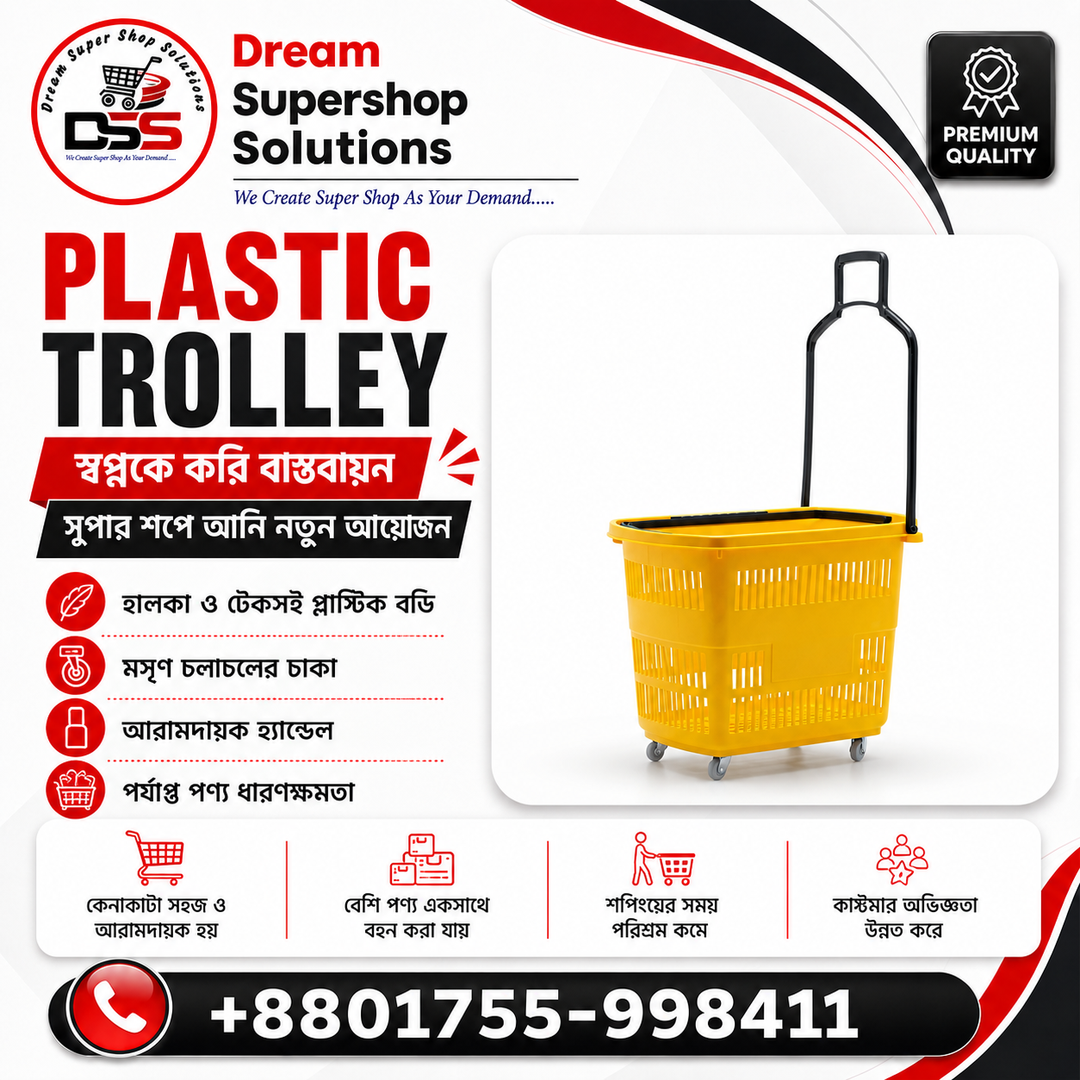
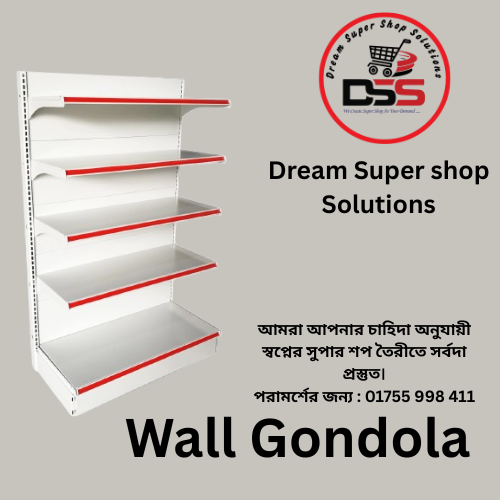
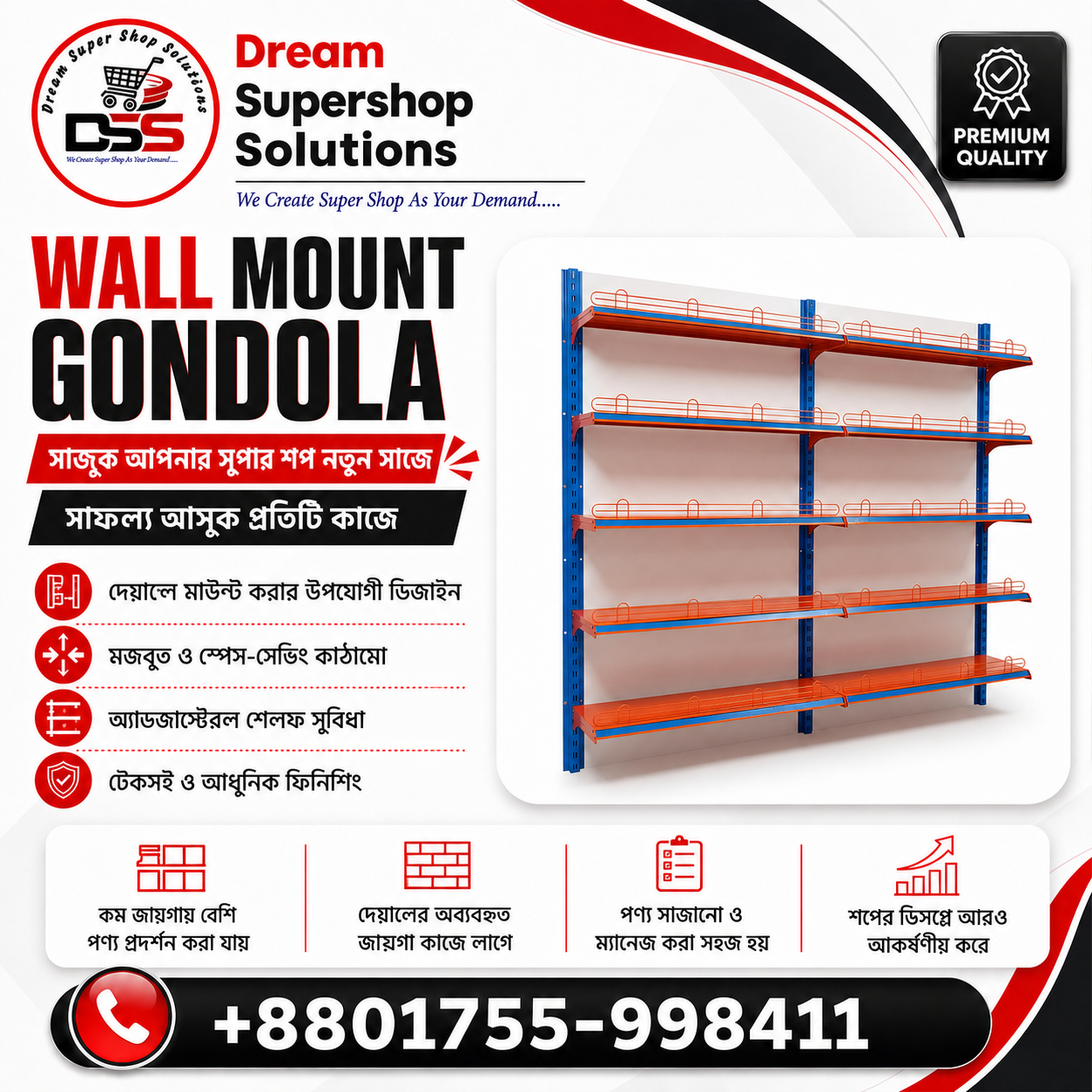
Wall Mount Gondola Display Rack
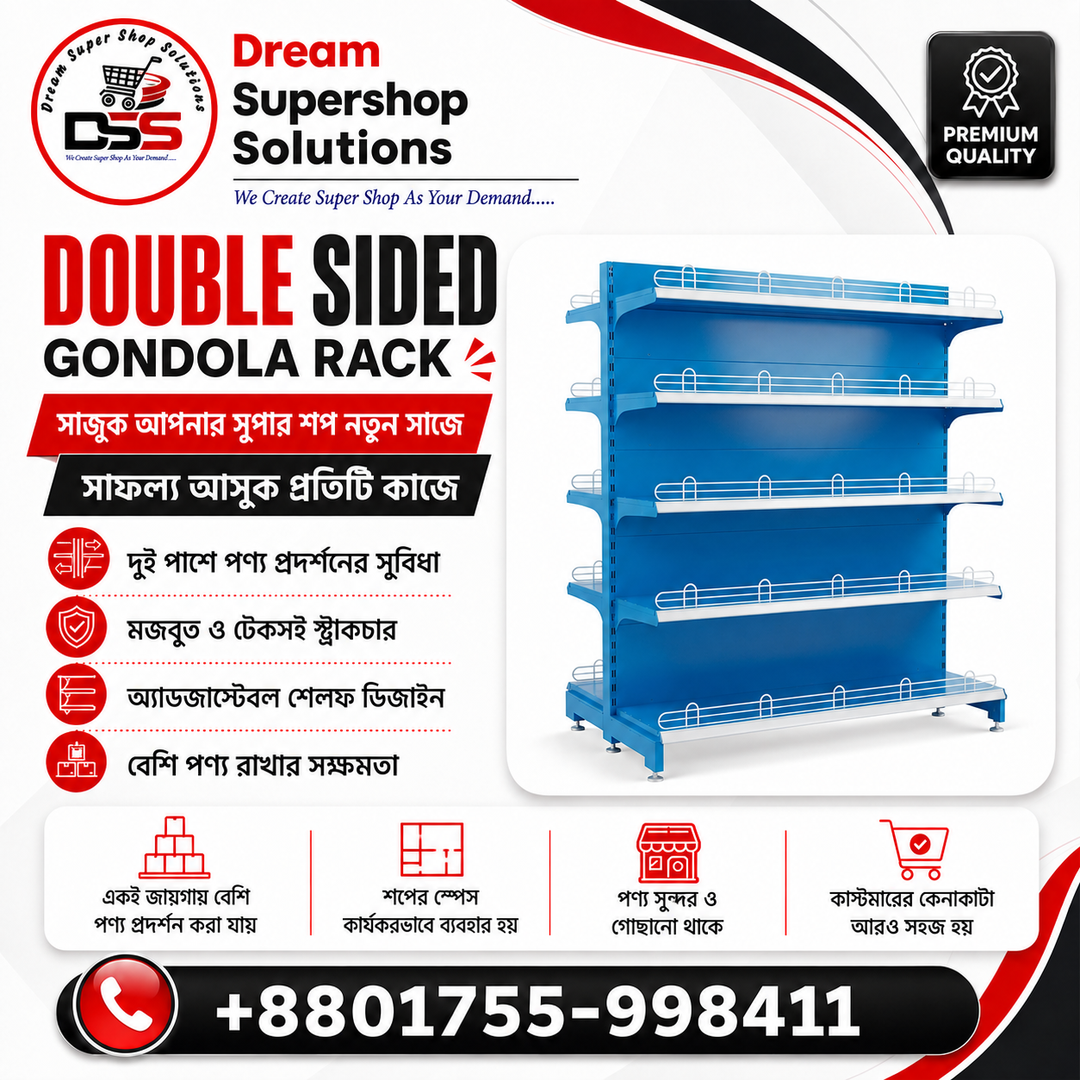
Double Sided Gondola Display Rack
Supershop Shopping Trolley (SS- Imported)
⚖️ Product Comparison
Choosing the right Cash Counter with POS Table depends on several factors, including store size, transaction volume, POS equipment requirements, product type, available floor space, cashier workflow, customer movement, and budget.
A checkout fixture should be selected according to the operational needs of the business. Depending on the store layout and approved specification, options may include a Cash Counter with POS Table, basic cash desk, conveyor checkout counter, modular billing desk, customer-service counter, or mobile POS station.
🪑 Cash Counter with POS Table vs. Basic Cash Desk
A basic cash desk provides a simple surface for billing and payment activities. It may be suitable for businesses with limited equipment requirements where only basic transaction support is needed.
A Cash Counter with POS Table is designed around modern retail checkout operations and can include dedicated areas for POS monitors, barcode scanners, receipt printers, cash drawers, cable management, storage compartments, and product packing space.
A basic desk may require fewer initial resources, but additional devices and accessories can make the workspace less organised over time.
Best Use:
Choose a basic cash desk for small businesses with simple billing requirements. Select a Cash Counter with POS Table for organised retail operations with multiple checkout devices and regular customer transactions.
🛒 POS Counter vs. Conveyor Checkout Counter
A standard Cash Counter with POS Table provides a fixed checkout surface where products are placed, scanned, billed, and packed.
A conveyor checkout counter includes a moving belt system that transfers products towards the cashier area. These systems may be suitable for larger supermarkets with high transaction volumes and longer checkout lanes.
Conveyor models generally require additional floor space, electrical components, maintenance considerations, and technical planning. A fixed checkout counter can provide a simpler solution for many retail environments.
Best Use:
Choose a fixed POS counter for mini marts, retail stores, and medium-volume supermarkets. Conveyor checkout systems may be considered for large supermarkets where the workflow requirements support the additional setup.
🧩 Integrated POS Counter vs. Modular Billing Desk
An integrated Cash Counter with POS Table is designed as a coordinated workstation with a consistent structure, appearance, and equipment placement.
A modular billing desk uses separate components that can be rearranged depending on future layout changes. This flexibility can be useful for businesses that frequently modify their store arrangement.
Integrated counters can help maintain a cleaner appearance, while modular systems may offer easier reconfiguration depending on the selected design.
Best Use:
Choose an integrated checkout counter for fixed retail layouts. Consider modular solutions where regular store redesign or movement is expected.
🧾 Cash Counter vs. Customer-Service Counter
A Cash Counter with POS Table is primarily designed for daily sales transactions, including product scanning, billing, payment collection, receipt printing, and packing activities.
A customer-service counter is designed for activities such as product returns, exchanges, membership registration, customer queries, delivery support, and administrative assistance.
Customer-service areas may require additional workspace, document storage, privacy arrangements, and longer customer interaction space.
Best Use:
Use a checkout counter for regular transactions and consider a separate customer-service counter for support-related activities.
📱 Fixed Checkout Counter vs. Mobile POS Station
A fixed checkout counter provides a permanent billing location with dedicated workspace, storage areas, and cable management access.
A mobile POS station may include portable devices such as tablets, handheld payment terminals, or portable printers. It can support flexible selling areas but usually provides less workspace and storage compared to a fixed counter.
Mobile POS systems can be useful for temporary sales points, events, queue management, or assisted selling.
Best Use:
Use a fixed checkout counter as the primary billing station and mobile POS solutions as additional transaction support when required.
🏗️ Steel Checkout Counter vs. Wooden Counter
Steel-framed checkout counters can provide a commercial structure suitable for retail environments and may be finished according to the approved design and colour requirements.
Wooden or engineered-board counters can provide different visual styles and decorative finishes. However, material performance depends on construction quality, environment, moisture exposure, usage conditions, and maintenance.
Steel components may require proper finishing to reduce corrosion risk, while wood-based materials may require protection from excessive moisture and impact.
Best Use:
Select materials according to store requirements, design preference, maintenance capability, operating environment, and approved specifications.
📏 Compact Counter vs. Full-Length Checkout Station
Compact Cash Counter with POS Table designs are suitable for smaller retail spaces such as mini marts, pharmacies, cosmetics shops, and convenience stores.
Full-length checkout stations provide additional product placement, scanning, and packing areas but require more floor space.
The ideal counter size depends on customer flow, average transaction volume, product type, and available checkout area.
Best Use:
Choose counter dimensions according to store size, operational requirements, and future equipment plans.
✅ Main Advantages
-
Integrated POS equipment placement area
-
Organised billing and payment workflow
-
Practical cashier workspace arrangement
-
Dedicated product scanning and placement surface
-
Customer packing and collection area
-
Under-counter storage options
-
Cable-management access
-
Custom dimensions according to approved design
-
Professional retail appearance
-
Suitable for different retail business environments
⚠️ Possible Considerations
-
Custom production requires accurate store measurements
-
Large counters may reduce available sales-floor space
-
Smaller counters may provide limited packing capacity
-
Fixed designs may be difficult to relocate
-
Cable openings should match actual equipment positions
-
Incorrect counter orientation may affect workflow efficiency
-
Conveyor options require additional technical planning and maintenance
-
Surface finishes may require care to prevent damage
-
Workspace design should consider practical cashier positioning
-
Built-in equipment areas should be planned according to current and possible future devices
🛍️ Buying Guide for Cash Counter with POS Table
Before ordering a Cash Counter with POS Table, consider the following points:
📐 Space & Layout Requirements
-
Available floor area
-
Counter length and width
-
Worktop height
-
Cashier working position
-
Customer approach direction
-
Customer exit direction
-
Checkout queue arrangement
💻 POS Equipment Requirements
-
POS monitor size
-
Barcode scanner dimensions
-
Receipt printer size
-
Cash drawer dimensions
-
Payment terminal position
-
Keyboard and accessory requirements
-
Cable-entry locations
-
Power socket position
-
Network connection requirements
📦 Storage & Working Requirements
-
Product bagging space
-
Storage compartments
-
Lockable storage requirements
-
Additional cashier accessories
-
Future equipment requirements
🎨 Design & Manufacturing Requirements
-
Worktop material
-
Frame material
-
Panel finishing
-
Colour selection
-
Branding panel requirements
-
Conveyor requirement (if applicable)
-
Required quantity
-
Delivery access
-
Installation support
Providing accurate POS equipment measurements before production can help ensure suitable device openings, counter orientation, and practical workflow according to the approved design.
Dream Supershop Solutions can develop checkout counter solutions based on your store layout, equipment requirements, and approved specifications.
🧼 Maintenance Guide for Cash Counter with POS Table
Proper maintenance of a Cash Counter with POS Table can help preserve its appearance, support safe daily operation, and extend the usable life of the checkout fixture. Maintenance requirements depend on the selected materials, construction method, installation environment, usage level, and store operating conditions.
🧽 Regular Cleaning
Regular cleaning helps maintain a professional checkout environment and keeps the counter ready for daily retail operations.
Clean the following areas regularly:
-
Worktop surface
-
POS equipment platform
-
Customer-facing panels
-
Product placement and bagging area
-
Shelves and compartments
-
Accessible frame sections
Use cleaning products suitable for the confirmed surface materials, such as metal, laminate, glass, plastic, or engineered-board finishes.
Avoid excessive water near:
-
POS devices
-
Power connections
-
Cable openings
-
Receipt printers
-
Barcode scanners
-
Cash drawers
Remove stickers, adhesive residue, and marks carefully to avoid damaging the surface finish.
🛡️ Rust Prevention and Surface Protection
Metal components should be inspected regularly for scratches, coating damage, moisture exposure, and signs of corrosion.
Check areas such as:
-
Metal frames
-
Joints and fasteners
-
Shelf edges
-
Lower panels
-
Base sections
To reduce corrosion risk:
-
Keep leaking bottles and wet products away from exposed metal parts
-
Avoid standing moisture around the counter base
-
Dry the surface after wet cleaning
-
Repair damaged protective finishing using a suitable method
The performance of metal components depends on material selection, protective finishing, installation conditions, and regular maintenance.
⚖️ Weight Management and Load Safety
Avoid placing excessive weight on worktops, equipment platforms, shelves, drawers, or bagging areas.
The suitable load capacity depends on factors such as:
-
Frame material
-
Worktop construction
-
Shelf dimensions
-
Support spacing
-
Connection method
-
Panel material
-
Load distribution
-
Installation quality
Avoid dropping heavy products onto the counter surface.
The customer-facing area should not be used for bulk stock storage unless it has been designed and approved for that purpose.
🔌 Electrical and POS Equipment Safety
Care should be taken when using electrical equipment with a Cash Counter with POS Table.
Follow these practices:
-
Keep liquids away from electrical connections and POS equipment
-
Avoid placing cables across sharp edges or customer walkways
-
Use suitable power outlets, network connections, and cable-management solutions
-
Follow POS equipment supplier recommendations for electrical setup
-
Ensure electrical installation is completed by qualified personnel
Proper cable organisation can help maintain a safer and cleaner checkout workspace.
👤 Cashier Safety and Workspace Management
A well-organised cashier area can support efficient daily operations.
Maintain:
-
Clear cashier entry and exit space
-
Proper placement of frequently used supplies
-
Secure cable positioning
-
Stable shelves and compartments
Regularly check for:
-
Sharp edges
-
Loose panels
-
Exposed cables
-
Unstable shelves
-
Projecting screws or fittings
Heavy products should not be stored above the cashier working area unless the structure has been designed for that purpose.
🚶 Customer Safety Considerations
The checkout area should remain safe and accessible for customers.
Ensure that:
-
Emergency exits remain clear
-
Customer pathways are not blocked
-
Accessibility routes are maintained
-
Product-placement areas remain stable and organised
-
No sharp edges or unstable accessories are exposed
Customers should not climb, sit, or stand on the counter.
🔍 Routine Inspection Checklist
Regular inspections can help identify maintenance requirements before they become major issues.
Check for:
-
Loose panels
-
Unstable worktops
-
Damaged edges
-
Rust or coating damage
-
Loose fasteners
-
Broken hinges
-
Damaged locks
-
Drawer issues
-
Exposed cables
-
Blocked ventilation areas
-
Unstable POS equipment
-
Sharp corners
-
Water damage
-
Floor movement affecting stability
Any damaged or unsafe component should be repaired before continuing normal use.
🔧 Long-Term Care and Modification
For long-term performance, maintain records of important changes, including:
-
Major repairs
-
Panel replacements
-
Lock changes
-
Drawer repairs
-
Worktop modifications
-
POS equipment updates
Use compatible replacement parts and hardware where required.
Avoid drilling, cutting, or modifying structural sections without reviewing the internal layout, cable arrangement, and equipment requirements.
If POS hardware changes significantly, the counter layout should be reviewed to ensure suitable placement.
📦 Storage Before Installation
If the counter components are stored before installation, keep them in a suitable environment.
Recommended storage conditions:
-
Dry and covered location
-
Secure area protected from impact
-
Away from direct floor contact
-
Protected from moisture and scratches
Keep the following items organised and labelled:
-
Fasteners
-
Locks
-
Keys
-
Hinges
-
Cable covers
-
Installation accessories
Protect decorative surfaces, front panels, worktops, and shelves during storage and transportation.
✅ Best Maintenance Practices
-
Clean checkout surfaces regularly
-
Keep liquids away from POS equipment
-
Inspect cable openings and connections
-
Avoid overloading worktops and storage areas
-
Repair coating damage promptly
-
Keep compartments organised
-
Test drawers and locks periodically
-
Maintain clear cashier access
-
Keep customer pathways open
-
Use qualified electrical support when required
-
Secure POS equipment properly
-
Replace damaged components when necessary
-
Confirm equipment dimensions before modifications
-
Train staff on proper counter usage
-
Review checkout layout when store requirements change
Dream Supershop Solutions recommends following suitable maintenance practices based on the selected counter design, materials, equipment configuration, and operating environment to support reliable long-term use.
🔧 Installation Guide
For your convenience and peace of mind, our experienced technical team provides professional installation and setup services at your location whenever required.
For small orders or simple installations where an on-site visit is not necessary, our team provides step-by-step assistance through video calls or video instructions, ensuring a smooth and hassle-free setup.
Our goal is to ensure every installation is completed correctly, efficiently, and with minimal inconvenience to our customers.
🏬 Industry Use Cases
A Cash Counter with POS Table from Dream Supershop Solutions can be customised for different retail environments based on store size, transaction requirements, POS equipment, customer flow, and approved layout specifications.
These checkout solutions can help businesses organise billing operations, payment processing, product handling, cashier workspace, and customer service areas according to their operational needs.
🛒 Supermarkets
Supermarkets can install multiple Cash Counter with POS Table units to support high transaction volumes, grocery scanning, payment collection, receipt printing, and product bagging operations.
Counter placement and configuration can be planned according to customer queues, checkout lanes, product movement, and available floor space.
🏬 Supershops
Supershops can integrate checkout counters with Supermarket Display Rack arrangements, gondola aisles, shopping trolley routes, customer queues, exit points, and promotional display areas.
A well-planned checkout layout can help create a more organised shopping and payment experience.
🥦 Grocery Stores
Grocery retailers can use checkout counters with suitable product placement and bagging areas for packaged foods, vegetables, beverages, household products, and daily essentials.
The counter design can be adjusted according to product volume, POS equipment requirements, and store layout.
🏪 Mini Marts
Compact Cash Counter with POS Table designs can support POS devices, cashier storage, and daily billing activities while helping maximise limited retail floor space.
The final configuration depends on the available area and operational requirements.
🏧 Convenience Stores
Convenience stores can use compact transaction stations for quick billing, payment processing, receipt printing, and customer handling.
A practical counter arrangement can help maintain an organised checkout area within smaller store layouts.
💊 Pharmacies
Pharmacies can use dedicated checkout counters for medicine billing, barcode scanning, receipt printing, payment processing, and personal-care product transactions.
Storage and equipment placement can be designed according to product organisation and workflow requirements.
🏢 Department Stores
Department stores may use checkout counters across different floors, sections, or create centralised checkout zones serving multiple departments.
The design can be planned according to customer movement, department arrangement, and transaction requirements.
👗 Fashion Retailers
Fashion retailers can combine billing operations with garment folding areas, product packing, tag processing, customer collection points, and retail display arrangements.
Checkout counter design can support both sales processing and customer service activities.
💄 Cosmetics Stores
Cosmetics retailers can use visually coordinated checkout counters for product billing, loyalty programme processing, sample handling, packaging, and customer assistance.
The appearance and configuration can be customised according to the approved store interior design.
💻 Electronics Stores
Electronics retailers can process product sales, accessories, warranty services, repair requests, and digital payment transactions through organised checkout stations.
Additional equipment placement and storage options may be included depending on the selected configuration.
🔧 Hardware Shops
Hardware businesses can use practical checkout counters for tools, fittings, fasteners, electrical goods, and commercial invoice processing.
The design can support organised product handling and efficient cashier operations.
📚 Book and Stationery Stores
Bookshops and stationery stores can use checkout counters for books, files, paper products, educational materials, membership services, and receipt printing.
Storage compartments and workspace arrangements can be planned according to product categories and business requirements.
🎁 Gift Shops
Gift retailers can add dedicated packing or wrapping space near the POS area for gift preparation, product collection, and customer service activities.
The counter layout can be adjusted based on available space and store workflow.
🐾 Pet Stores
Pet retailers can use checkout counters for pet food, accessories, grooming products, and customer membership transactions.
A suitable design can help organise billing equipment and frequently used retail items.
🛋️ Lifestyle Stores
Lifestyle businesses can integrate Cash Counter with POS Table solutions with branded interiors, display fixtures, and customer-service areas.
The counter design can support a consistent retail environment while meeting practical checkout requirements.
Return & Refund Policy
Return Refund Policy Editor
FAQ
Reviews
No reviews yet. Be the first to review this product.
Write a Review
Recommended Products
Show All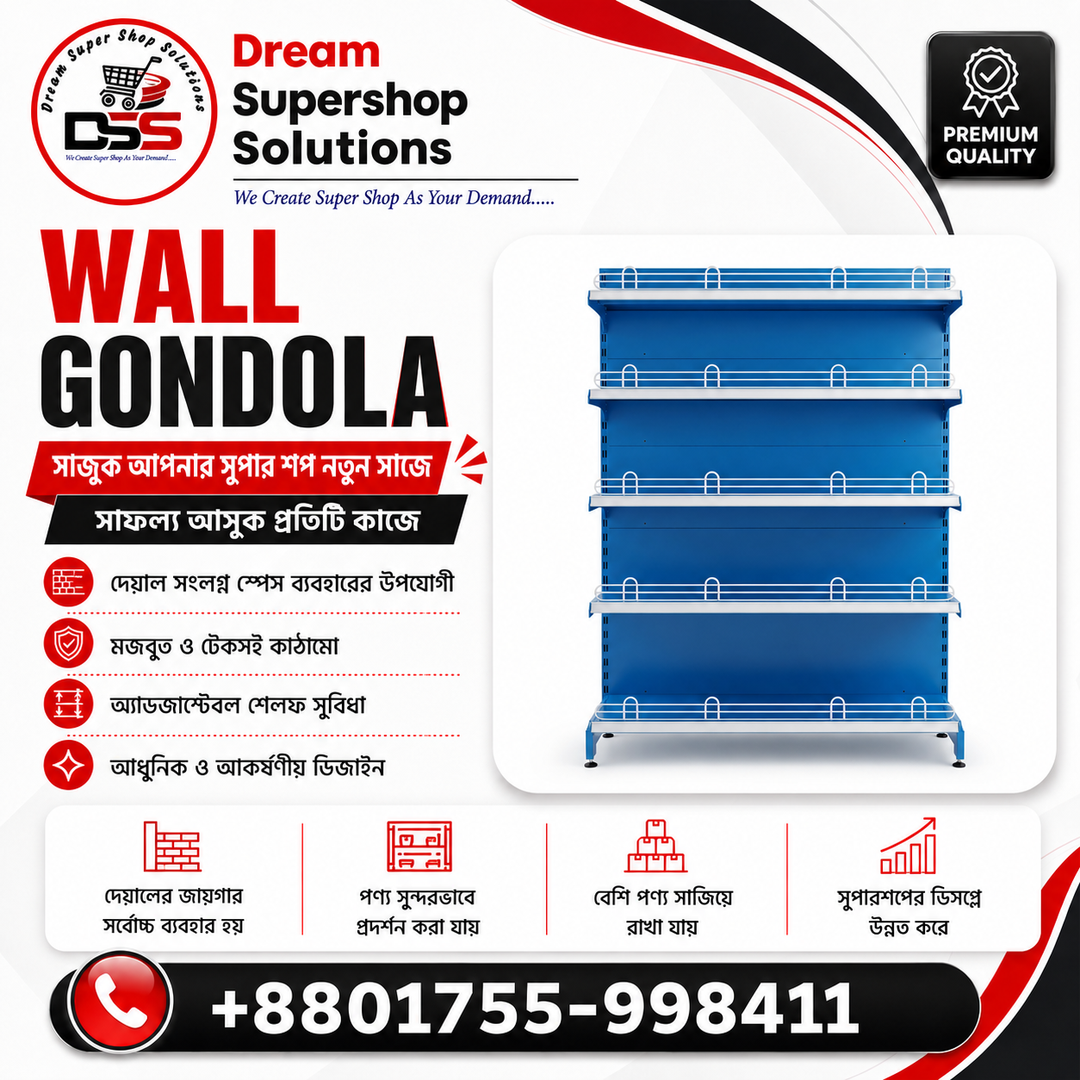
_1753463466363_61fx3p.png)